Rich Text Component
The Rich text component in Pyplan allows users to insert formatted content — such as text, images, links, and styling — into their dashboards or interfaces. It's especially useful for adding titles, descriptions, instructions, or branding elements.
You can use the visual editor or write raw HTML directly, offering both beginner-friendly and developer-oriented editing experiences.
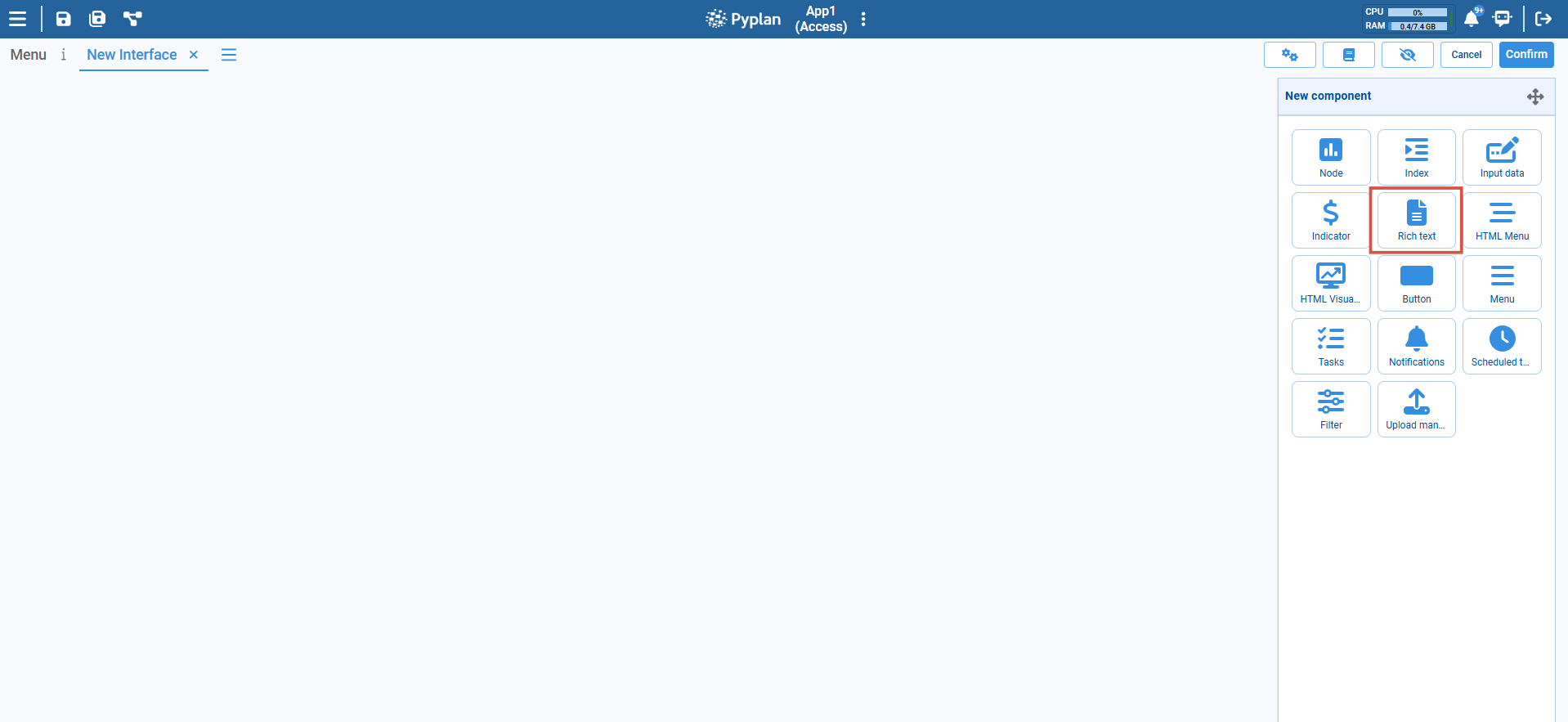
Key Features
- Supports standard HTML tags (
<h1>,<p>,<ul>,<table>, etc.) - WYSIWYG editor for non-technical users
- Code view for custom HTML styling and structure
- Dynamic resizing and layout compatibility
- Can embed media, images, links, and styled text
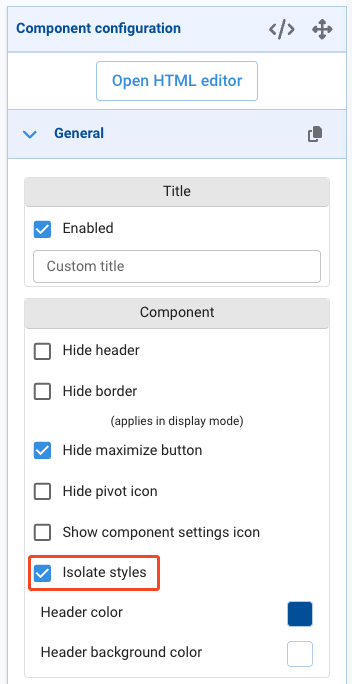
- Isolated Styles option (enabled by default) evaluates HTML, JavaScript, and CSS inside an
iframe, isolating component rendering from the rest of the interface
Configuration Options
Editor Modes
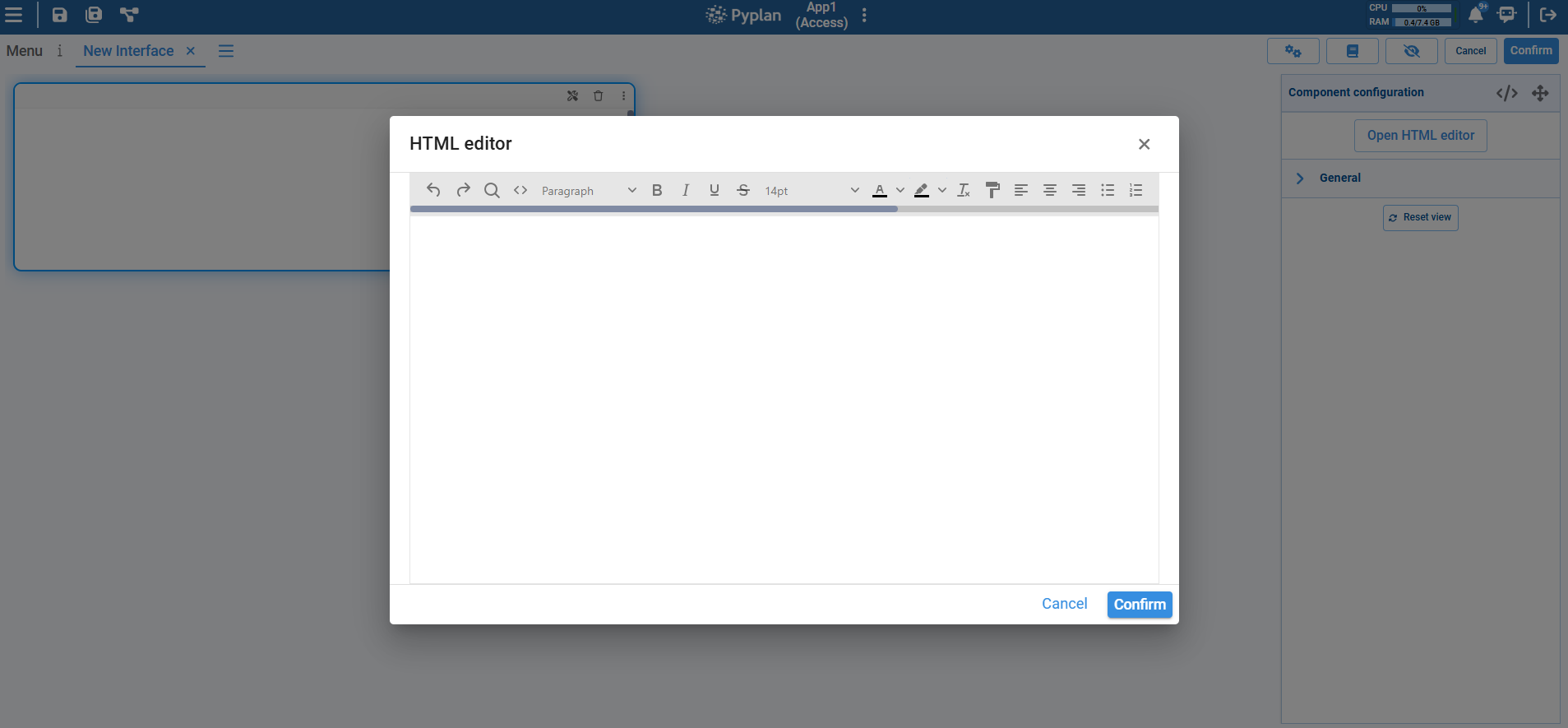
Visual editor: User-friendly toolbar with formatting buttons for bold, italic, lists, etc.
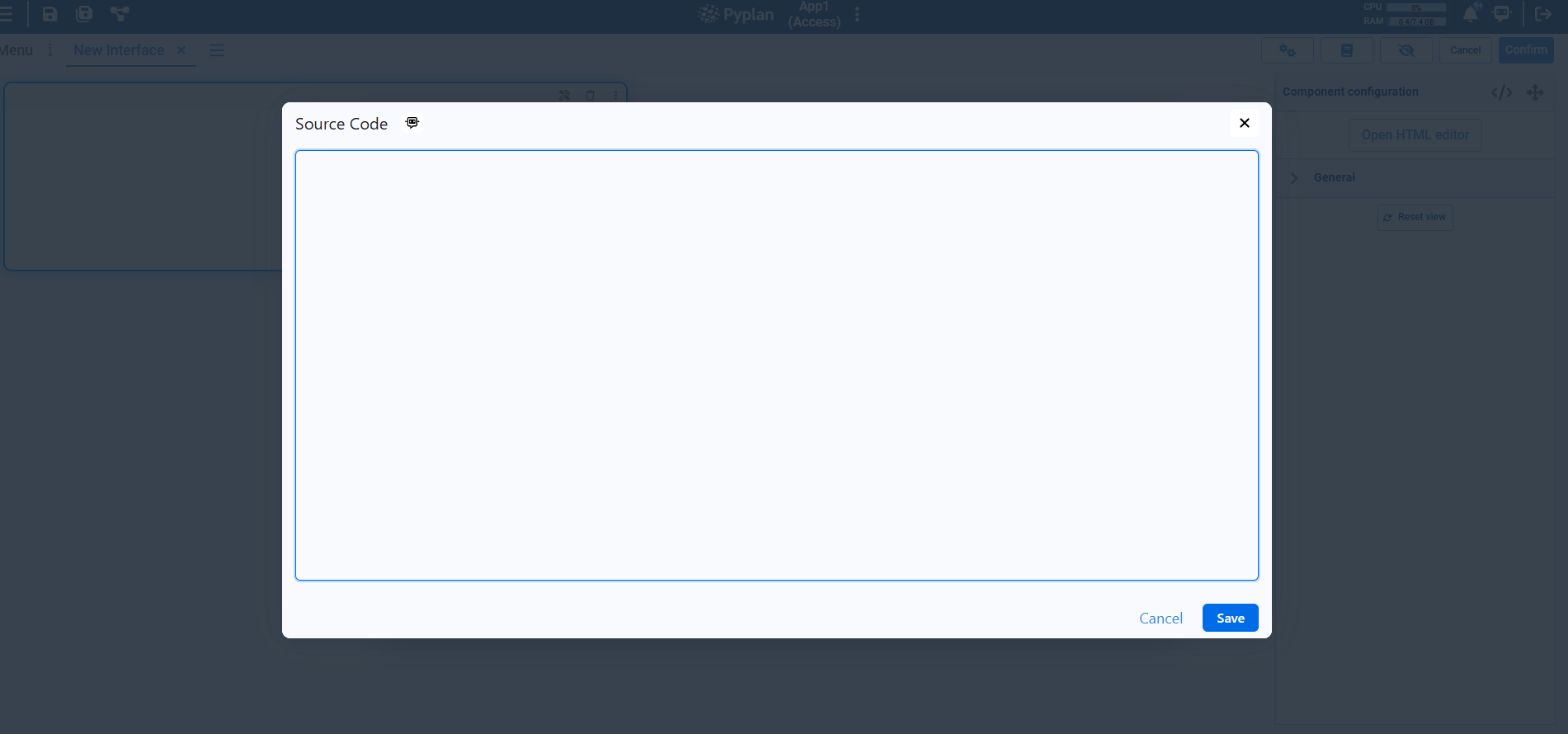
Source code: Toggle to raw HTML for full control over formatting.
Content
- Add headings, paragraphs, lists, tables, and more using either the editor or HTML code.
- Can include inline styles, image links, and embedded elements.
Use Cases
- Display section headers or context in dashboards.
- Add formatted descriptions or instructions next to input fields.
- Embed logos, icons, etc.
- Present static summaries alongside dynamic content.
tip
- Use
<h1>,<h2>, etc. for consistent headers. - Prefer the visual editor for quick formatting, and switch to code for precise control.
- Combine with layout components to control spacing and alignment.